
Introduction
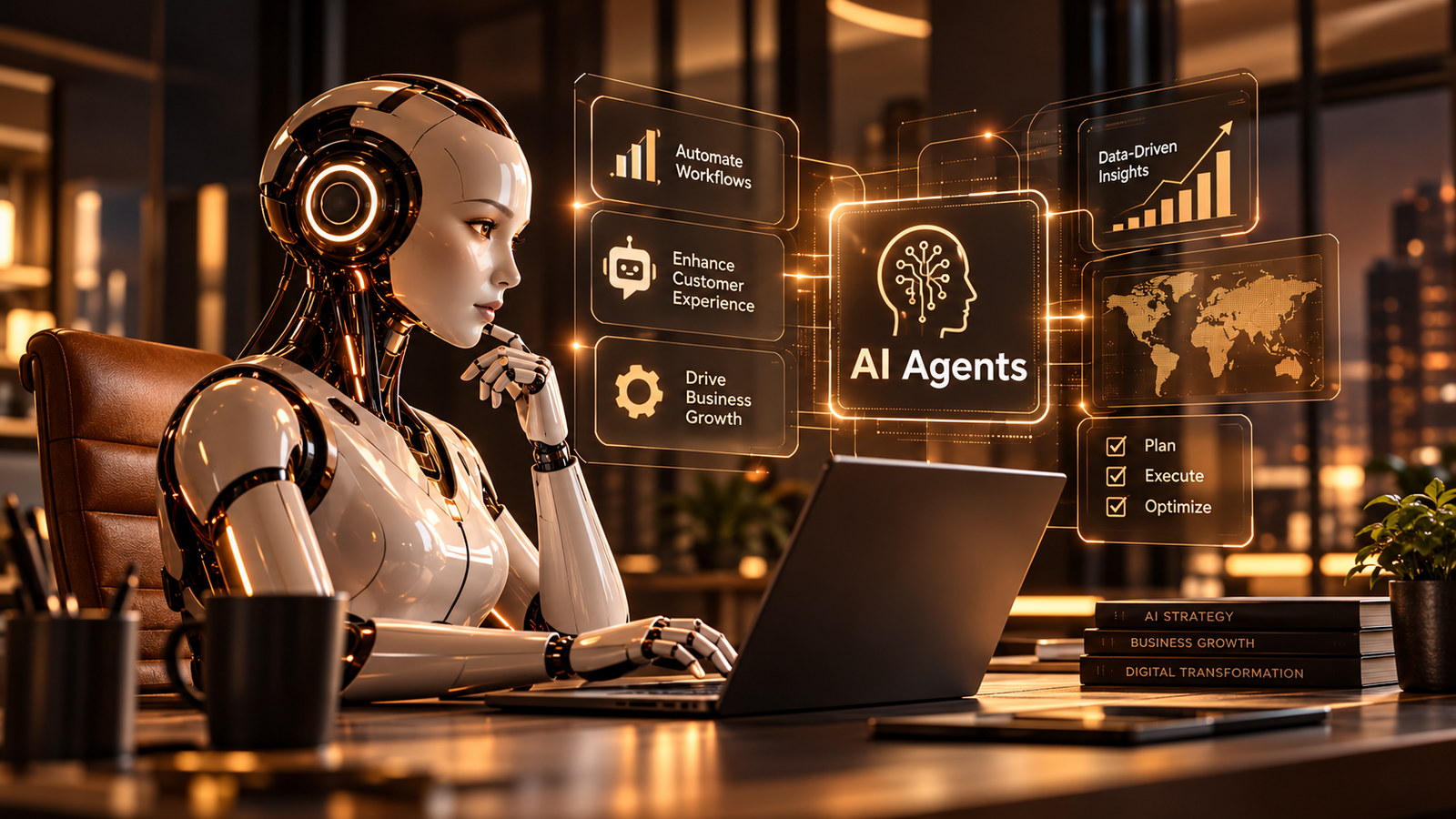
Artificial Intelligence is evolving beyond simple chatbots and content-generation tools. AI agents are bringing a new level of automation to business processes by helping systems understand goals, make decisions, use tools, and complete multi-step tasks.
In 2026, organizations are exploring AI agents to streamline operations, improve customer support, analyze information, and help employees work more efficiently.
However, successful implementation requires more than choosing a model. Businesses must also consider workflows, data access, security, human oversight, and measurable outcomes.
“The real value of AI agents lies not just in answering questions, but in helping people move from information to action.”
What Are AI Agents?
AI agents are software systems that use artificial intelligence to work toward a defined goal. Depending on their design, they can interpret instructions, gather information, plan steps, call approved tools, and evaluate results.
Unlike a basic chatbot that primarily responds to prompts, an AI agent may interact with external systems to complete a task, subject to its permissions and available integrations.
For example, a customer-support agent could categorize an incoming request, retrieve relevant information from an approved knowledge base, draft a response, and send it for human approval.
AI Agents vs. Traditional Automation
| Feature | Traditional Automation | AI Agents |
|---|---|---|
| Workflow | Usually predefined rules | Can adapt steps to a goal |
| Inputs | Structured conditions | Can interpret varied inputs |
| Decisions | Rule-based | Model-assisted reasoning |
| Flexibility | Works within configured paths | May handle more variations |
| Oversight | Depends on the workflow | Should include suitable controls |
AI agents are not always the best choice. For predictable, repetitive tasks, traditional automation can be simpler, cheaper, and easier to maintain.
How Do AI Agents Work?
An AI agent typically follows a cycle of understanding a goal, gathering context, selecting an action, and checking the result.
Step 1: Perceive
The agent receives an instruction or event, such as a customer request, a new support ticket, or a business report.
Step 2: Reason and Plan
It interprets the available information and determines which steps may help achieve the goal.
Step 3: Act
The agent uses approved tools or integrations to perform an action, such as retrieving a record, searching a knowledge base, or preparing a draft.
Step 4: Evaluate
The system checks the result and decides whether the task is complete or requires another step.
Step 5: Escalate When Necessary
If the task involves uncertainty, sensitive information, or a high-impact decision, the agent should request human review rather than act independently.
Key Benefits of AI Agents
1. Increased Productivity
AI agents can handle suitable multi-step workflows, reducing repetitive work and helping employees focus on tasks that require human judgment.
2. Faster Information Retrieval
Agents can search approved knowledge sources and summarize relevant information, helping teams find answers without manually reviewing multiple documents.
3. Improved Customer Support
With appropriate safeguards, agents can classify support requests, suggest responses, and help route complex issues to the right team.
4. More Consistent Processes
Well-designed agents can follow defined instructions, use approved tools, and produce structured outputs across recurring workflows.
5. Scalable Operations
Businesses can extend successful agent-assisted workflows to larger workloads while monitoring performance, operating costs, and quality.
Real-World Use Cases
AI agents can support a range of business functions.
| Industry | Example Use Case | Human Oversight |
|---|---|---|
| Healthcare | Administrative scheduling assistance | Required for clinical decisions |
| Finance | Transaction review support | Required for consequential decisions |
| Retail | Product discovery and order-status assistance | Needed for exceptions and refunds |
| Manufacturing | Maintenance information and alerts | Needed for safety-critical actions |
| Education | Learning support and resource discovery | Needed for student welfare decisions |
| IT Operations | Incident triage and documentation | Needed for high-impact changes |
The most effective use cases have clear objectives, accessible and reliable data, manageable risks, and a way to measure success.
Challenges and Risks
AI agents can introduce new technical and operational risks if they are deployed without appropriate controls.
- Incorrect outputs: Agents may produce inaccurate information or select unsuitable actions.
- Data privacy: Sensitive information may be exposed if access permissions are poorly designed.
- Integration complexity: Connecting an agent to existing business systems can require careful engineering.
- Uncontrolled actions: Excessive permissions can allow an agent to make changes beyond its intended scope.
- Cost management: Model usage, tool calls, monitoring, and infrastructure can increase operating costs.
- Evaluation difficulties: A workflow that succeeds in a demonstration may fail on unusual real-world cases.
A responsible deployment should define what the agent can access, which actions it can take, when approval is required, and how failures are detected.
How to Implement AI Agents Successfully
Step 1: Identify a Clear Business Goal
Start with a specific problem, such as reducing manual ticket classification or helping employees find internal documentation.
Step 2: Map the Existing Workflow
Document the current process, its inputs, expected outputs, exceptions, and approval requirements.
Step 3: Choose the Right Tools
Evaluate suitable AI models, APIs, knowledge sources, and integrations based on the task, cost, privacy requirements, and reliability.
Step 4: Build a Limited Pilot
Test the agent on a narrow workflow using sample data and controlled permissions before connecting it to production systems.
Step 5: Define Success Metrics
Measure factors such as task completion rate, accuracy, response time, cost per task, and the frequency of human intervention.
Step 6: Add Security and Human Review
Use least-privilege access, input validation, logging, approval gates, and clear escalation paths.
Step 7: Monitor and Improve
Review real-world performance, investigate failures, update instructions, and expand gradually only when the evidence supports doing so.
Example: Calling an AI Agent API
The following JavaScript example illustrates how a frontend might send a task to its own backend endpoint.
async function runAgent(task) {
  const response = await fetch("/api/agent", {
    method: "POST",
    headers: {
      "Content-Type": "application/json"
    },
    body: JSON.stringify({ task })
  });

  if (!response.ok) {
    throw new Error("Agent request failed");
  }

  return response.json();
}

runAgent("Summarize the latest support tickets")
  .then(console.log)
  .catch(console.error);
This is an illustrative frontend example. The /api/agent endpoint must be implemented on the server, where authentication, authorization, input validation, rate limiting, and any model API credentials should be handled securely.
Never expose private model API keys in browser-side JavaScript.
Best Practices for AI Agent Development
- Give each agent a clearly defined responsibility.
- Use the minimum permissions required to complete its task.
- Validate tool inputs and outputs.
- Require approval for sensitive or irreversible actions.
- Log important actions without unnecessarily storing sensitive data.
- Test normal cases, edge cases, and failure scenarios.
- Monitor quality, latency, and cost after deployment.
- Provide a reliable fallback to a human or a conventional workflow.
The Future of AI Agents
AI agents are likely to become more integrated with business applications, developer tools, analytics platforms, and internal knowledge systems.
Organizations may increasingly use multiple specialized agents for coordinated workflows. Such systems will need clear responsibility boundaries, reliable communication, strong access controls, and effective monitoring.
The long-term opportunity is not simply to automate every task. It is to combine AI capabilities with human expertise to create workflows that are more useful, reliable, and adaptable.
Frequently Asked Questions
Are AI agents the same as chatbots?
No. A chatbot primarily communicates with users, while an AI agent may also plan and execute actions using approved tools. Some chatbots include agent-like capabilities.
Do AI agents require coding?
Not always. Some platforms provide visual builders and prebuilt integrations, while more customized agents often require programming and API knowledge.
Are AI agents safe for business use?
They can be used responsibly when access is restricted, outputs are evaluated, sensitive actions require appropriate approval, and performance is monitored. No system is risk-free.
Can AI agents replace existing automation?
Sometimes, but not always. Traditional automation remains useful for predictable tasks. AI agents are more appropriate when a workflow requires interpretation or adaptation.
How should a company get started?
Choose one well-defined, low-risk use case, build a limited pilot, measure results, and expand only after evaluating reliability, cost, security, and user feedback.
Conclusion
AI agents offer businesses a way to connect AI reasoning with practical actions across everyday workflows. Their value depends on selecting the right problems, designing safe integrations, and maintaining appropriate human oversight.
By starting small, measuring outcomes, and improving continuously, organizations can explore intelligent automation without sacrificing reliability or accountability.
Tags: AI Agents, Artificial Intelligence, Business Automation, AI Strategy, Digital Transformation